If someone on your team has forwarded you a warning about an iPhone setting called Live Listen, you are not alone. A screenshot has been making the rounds on Facebook. Here is what it says, what is true, and a few sensible steps for your business.
What’s circulating
The post shares an image styled as an official memo from “HSI Chicago” (Homeland Security Investigations). The memo claims that a recent “iOS 27” update automatically turned on “Live Listening,” and that iPhones and iPads with the update are capturing nearby conversations, transcribing them, and sending those transcripts to Apple for advertising. It tells readers to go into Settings and turn off a toggle called Remote Control. People sharing it urge friends to check their phones.
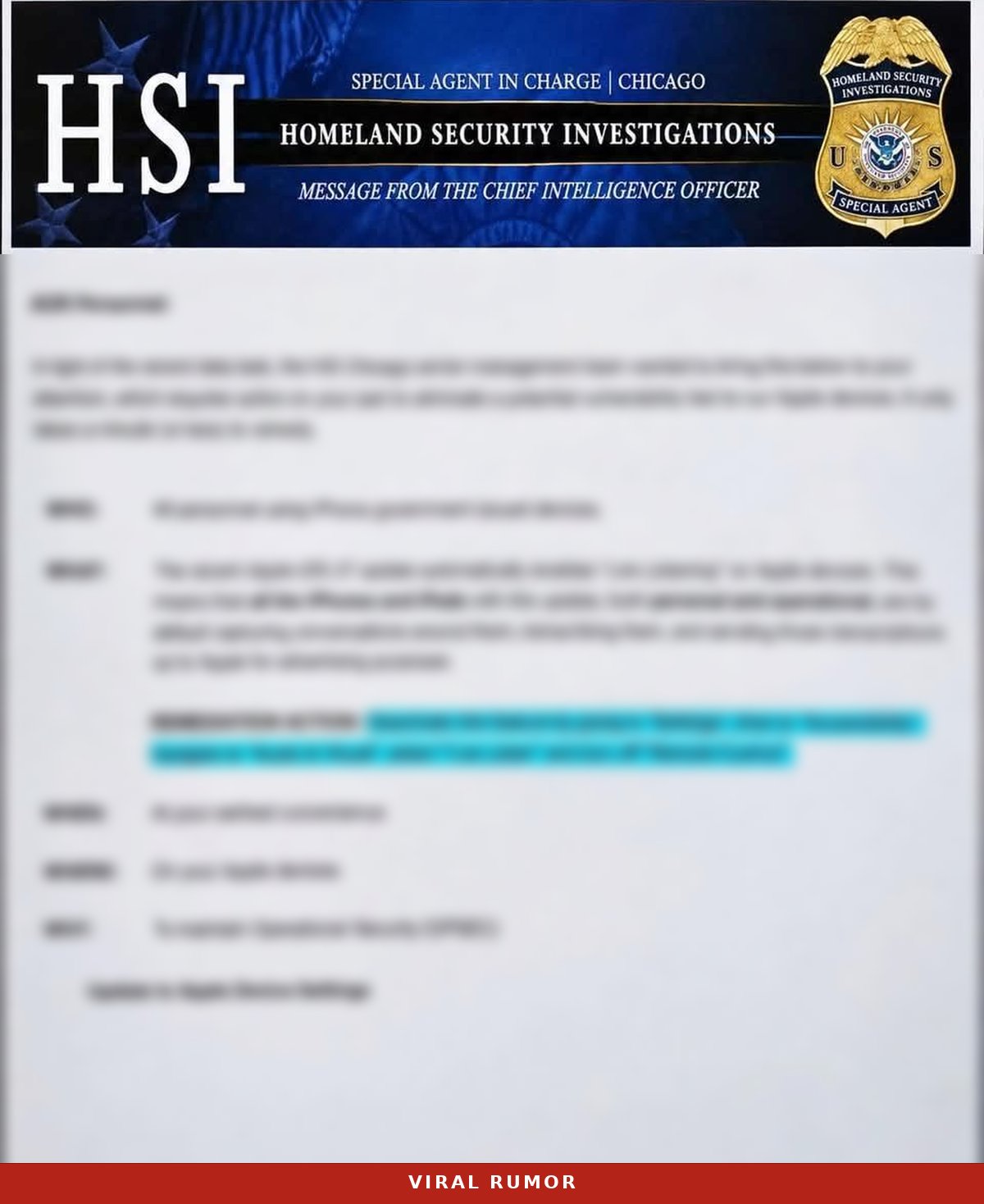
The fact-checking site Snopes rates the rumor Mostly False. A real setting is involved, but the story wrapped around it does not hold up.
What’s actually true
- Live Listen is a real accessibility feature. It lets an iPhone act as a remote microphone and send sound to AirPods, Beats, or compatible hearing devices.
- Remote Control arrived with iOS 26, not iOS 27. Snopes and Six Colors both trace the feature to iOS 26.
- It only works with nearby devices signed in to the same Apple Account. Remote Control lets one of those devices, such as an Apple Watch, iPad, or another iPhone, start or control a Live Listen session. In Snopes’ testing, a pop-up appeared on the iPhone when a session started, and the range was limited. If anyone else has a device on your Apple Account, that is a good reason to turn Remote Control off.
- Live Captions are generated on the iPhone. Apple says Live Listen captions are generated on your iPhone and shown in real time.
- We found no evidence of recording for advertising. Apple’s Live Listen pages describe local audio and on-device captions. We found nothing showing that this feature sends conversations or transcripts to Apple for ads, and neither did Snopes or Six Colors.
- Remote Control may already be on. Snopes and other testers found it appeared to be switched on after the iOS 26 update for some users. Apple has not confirmed this for every device, so check your own phone.
What to do
- Check the setting. Go to Settings > Accessibility > Audio & Visual > Live Listen > Remote Control.
- Turn it off if you don’t use it. If nobody on your team uses Live Listen with an Apple Watch or another of their own devices, switching Remote Control off is fine for peace of mind. The setting only changes Live Listen’s remote option. If someone uses the feature, for example from a Watch for hearing support, they can leave Remote Control on.
- Keep iOS updated. Updates carry security fixes. Don’t skip one because of a rumor about a setting.
- Follow your IT policy on managed phones. On company or agency phones, follow your IT or mobile device management (MDM) policy.
- Verify before you forward. If a warning lands in your inbox or group chat, check it against a reliable source first.
What not to do
- Don’t panic-share. Forwarding an alarming post to the whole staff spreads worry faster than facts.
- Don’t treat a screenshot as an official notice. An image of a memo is not the same as a release from the agency it names.
- Don’t change settings you don’t understand. Turning off Remote Control is low risk if no one uses it. Turning off accessibility features someone depends on is not.
How to check an ‘official’ memo
This rumor borrowed the look of a government notice. A few quick checks help:
- Go to the source. Real agency announcements live on the agency’s own .gov website or newsroom. We searched the ICE newsroom, which covers HSI, and found no release about Live Listen (searched Nov 18, 2026).
- Watch for urgent “forward this” pressure. Pressure to share widely, right now, is a reason to slow down and check.
- Look for a named contact. Genuine notices usually say who issued them and how to reach that office. A badge and a heading are easy to copy.
- Compare the tech claims to the vendor’s own docs. Apple’s support pages describe how Live Listen works. If a memo’s description does not match, that is a red flag.
The bottom line
Live Listen is a hearing tool, not a hidden recorder. Check the Remote Control setting, turn it off if you don’t need it, and share facts instead of fear. If questions like this keep reaching your help desk, we’re glad to talk through your team’s devices and settings.
Sources
- Apple Support, iPhone User Guide: Use iPhone as a remote microphone with Live Listen
- Apple Support, Apple Watch User Guide: Control Live Listen on iPhone from Apple Watch
- Apple Support, Use Live Listen with AirPods or Beats
- Snopes, fact check on the Apple Live Listen update rumor (rated Mostly False)
- Six Colors, “No, Apple isn’t using Live Listen to listen to you.”
- U.S. Immigration and Customs Enforcement, News Releases and Statements
- U.S. Immigration and Customs Enforcement, Homeland Security Investigations
- Apple Support, Apple security releases