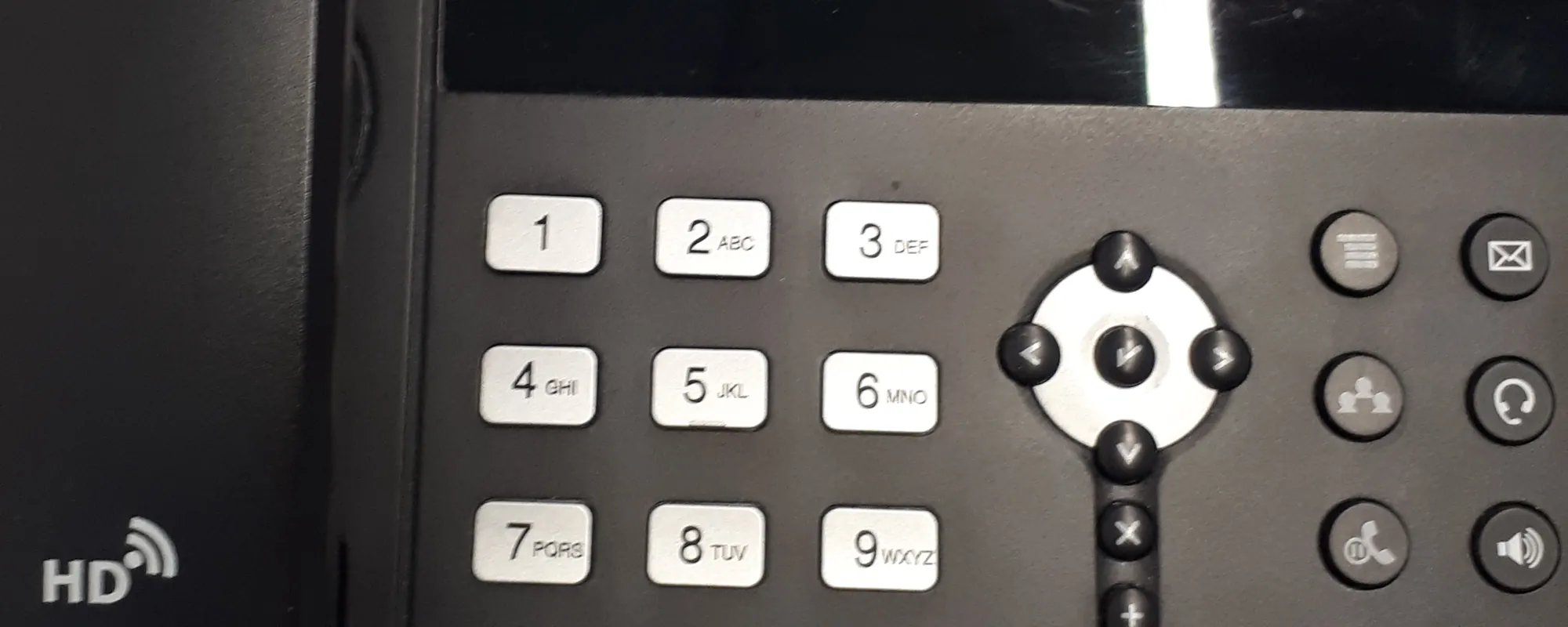
Phone Systems
Business calls, thoughtfully routed.
Phones managed by Neatoware.
Your phone system should help customers reach the right people and help your staff work together. Neatoware configures and manages business calling features, including menus, call groups, queues, conferencing and voicemail, around the way your organization operates. And when the problem involves your network, you have a team that understands both.
Three reasons to choose Neatoware
A call flow built around your business
Route calls by department, schedule, team availability or other approved workflows.
A team that knows your environment
We manage your phone-system settings and coordinate calling-service issues with our carrier partner.
Network-aware troubleshooting
Where Neatoware manages your network, we can investigate local voice traffic and prioritize it.
What you get
From a small office to a multi-site organization, the right call-handling design helps people answer faster, transfer calls smoothly and recover missed messages. We review your call flow, configure the agreed features, and support changes as your organization evolves.
Route calls intelligently
Auto-attendants (menus, greetings and department selection), ring groups and queues help callers reach the right department. Time and holiday routing directs calls to the right destination when your office is closed.
Help teams answer together
Transfer, park and pickup move a conversation to the right colleague. Audio conferencing connects multiple participants when you need a shared call.
Keep messages moving
Set greetings and voicemail handling for individuals or departments. Voicemail-to-email delivery makes messages easier to retrieve and follow up.
Support flexible locations
Call forward and follow-me send calls to approved destinations when staff are away from their desks. Ask about browser calling and softphones when remote work needs a phone on a laptop or mobile device (see Advanced options).
Give admins practical control
Neatoware configures extensions, call routes, greetings and the calling features in your agreement, so staff have one service team to contact.
Understand calling patterns
Call detail reports help authorized staff review answered, missed and routed call activity.
Advanced options
Extra calling capabilities are available with Neatoware when your organization needs them. We will scope what fits and what it costs in your proposal.
Call recording
Record all, selected or on-demand calls when your policy allows.
Call detail reports
Review answered, missed and routed call data for authorized staff.
Operator / call-center views
Support receptionist or higher-volume agent workflows with operator-style views.
Hot desking
Sign in at a shared desk phone so the extension follows the person, not only the device (approved models).
Paging / announcements
Reach internal groups or locations.
Fax capability
Electronic fax workflows.
Browser calling / softphones
Place and receive calls from approved desktop or mobile clients.
How a call can flow
How we get your system running
We begin by learning how your calls flow today: your numbers, business hours, departments, staffing patterns and equipment. Then we design the routing, coordinate number transfers with our carrier partner, configure agreed devices and features, and test the planned cutover. After launch, Neatoware helps maintain the supported configuration and coordinates carrier-related issues.
Discover
Document numbers, call volume, business hours, teams, site and existing equipment.
Design
Agree on menus, queues, extensions, failover behavior and approved devices.
Prepare
Coordinate carrier eligibility and porting; provision phones; confirm connectivity. We coordinate number transfers with the carrier. We prepare and configure compatible phones as part of an agreed rollout, with setup and cutover testing.
Validate
Test inbound/outbound calls, voicemail, transfers, after-hours and emergency calling through approved procedures.
Cut over
Plan a transition window, dependencies, rollback path and user communication. We plan the cutover to keep downtime short, and timing depends on your carrier and number porting.
Support
Maintain agreed configuration, change control and coordination with the carrier.
Phones and network, supported together
Telephone quality can be affected by local network congestion, Wi-Fi conditions, internet connectivity, phone settings or the carrier. When Neatoware is responsible for both your managed network and phone system, our team can look across those components instead of treating them as unrelated services. See Managed Network.
Who owns what
| Layer | Typical responsibility |
|---|---|
| Carrier partner | Calling, numbers, trunks, emergency-routing service |
| Neatoware-managed system | Extensions, routing, voicemail, queues |
| Customer devices | Desk phones, approved clients |
| Underlying connectivity | Internet links, firewall, switches, Wi-Fi, power and Quality of Service (QoS) policies. |
Neatoware adds value at the handoffs: One support relationship can coordinate phone configuration and carrier escalation and, where contracted, analyze local network conditions affecting voice.
Voice priority: We can prioritize voice traffic on networks we manage to help protect call quality when traffic is busy. Network management is included on Gold and Platinum.
How pricing works
Phone-system management is available as a separately priced add-on, generally based on the number of extensions. Calling service and numbers are provided by our carrier partner and are not included in Neatoware’s phone-management charge. We will explain the responsibilities and charges in your proposal. See Plans.
| Service element | Principal party | What to know |
|---|---|---|
| Phone-system configuration | Neatoware | Optional per-extension management |
| Calling / SIP service | Carrier partner | Separate carrier service charges |
| Telephone numbers and porting | Carrier partner + Neatoware coordination | Port eligibility, fees, timing may apply |
| Devices and installation | By proposal / contract | Equipment and on-site work may be additional |
| LAN / Wi-Fi / firewall management | Neatoware only when covered | Gold/Platinum contracted network scope; otherwise scope separately |
| Internet access and site power | Customer / provider / separately scoped | Availability requires functioning connectivity and power |
| Emergency location data | Carrier + deployment stakeholders | Configure, validate and maintain per actual obligations |
Built for offices that need reliable business calling
Business Offices
Route sales, service and general inquiries to the right team; transfer calls and collect after-hours messages.
Local Government
Use department menus, office-hours rules and staff extensions for city halls, utilities and administrative facilities.
Public Safety Administration
Support sheriff administrative numbers, training offices and other non-emergency workflows.
Common questions
Are you our telephone carrier?
No. Neatoware manages the agreed phone-system configuration. Calling service and telephone numbers come from our carrier partner, and we coordinate support when an issue involves that service. Neatoware provides a primary support contact and coordinates carrier issues.
Can we keep our current business numbers?
Often, yes. We coordinate number-porting requests.
Do you provide desk phones?
We can discuss compatible equipment, provisioning and deployment. Hardware, installation and supported device options will be specified in the proposal.
Can calls ring multiple employees or departments?
Yes. We can design call groups, menus and queues.
Can we route calls differently after hours?
Time-based routing can support alternate greetings and destinations. We will review your staff schedule, holidays and fallback rules.
Can we answer calls away from the office?
Forwarding and approved remote-device options are available.
Is phone management included in our IT plan?
No. It is a separate add-on. Managed network coverage varies by plan. Calling-service and carrier charges are separate. See Plans.
Who do we call when something is wrong?
Your assigned account representative coordinates your phone system and, where contracted, the network it runs on, and connects you with the engineers who know your setup.
Why manage phones and the network together?
Many voice-quality problems involve the network, so a team familiar with both the phones and the network can diagnose them efficiently. Carriers, endpoints, configuration and power can also fail. When Neatoware manages both, one team can look across those pieces instead of treating them as unrelated services.
Why Neatoware
One assigned account representative coordinates your phone system and, where contracted, the network it runs on, so nobody argues about whose problem it is. They work with a broader technical team.

Let’s map how your calls should work.
Tell us about your offices, call volumes and the way callers reach your staff. We will discuss a practical calling design and the support it needs.