Backup and Disaster Recovery
Backups you can restore when the bad day comes
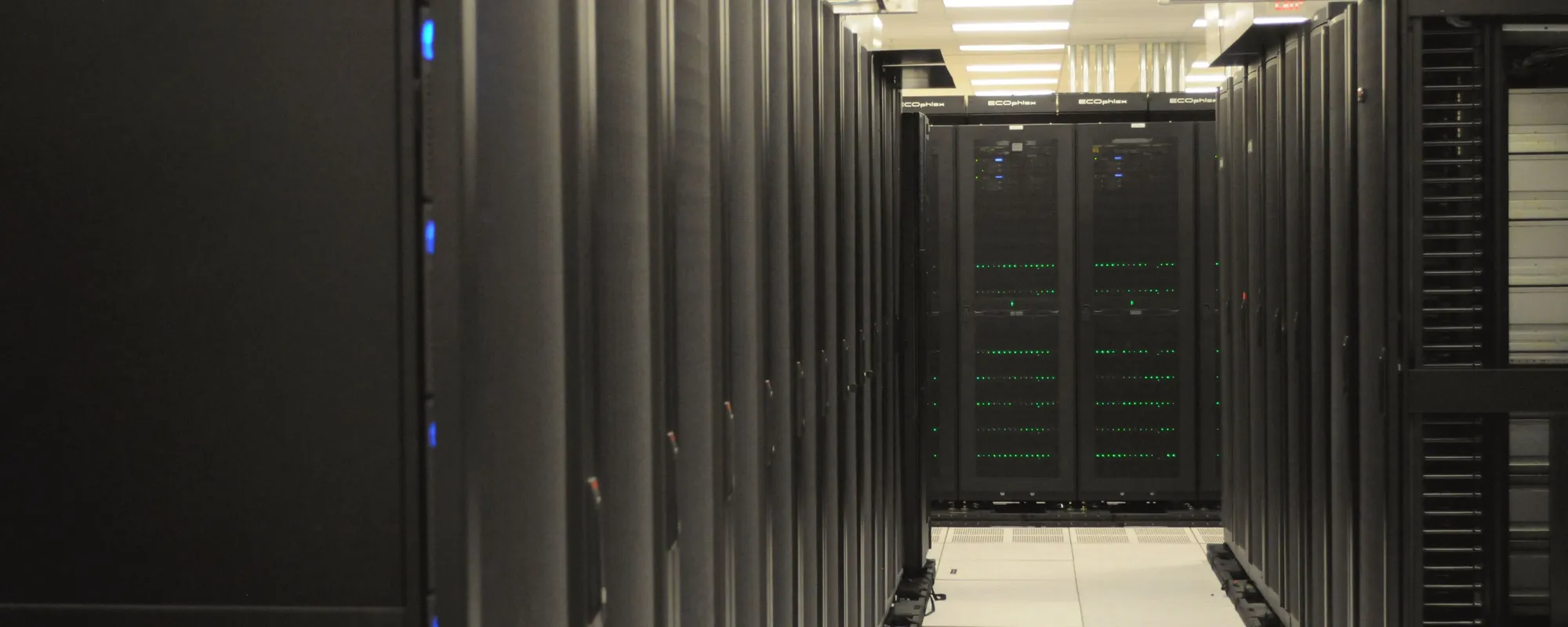
A backup only matters when you need it back. Neatoware backs up the computers, servers, virtual machines, cloud files, and databases your organization runs. Data from your computers and servers is encrypted before it leaves, and their off-site copies are locked in data centers away from your network. When something goes wrong, we lead the restore.
What we back up
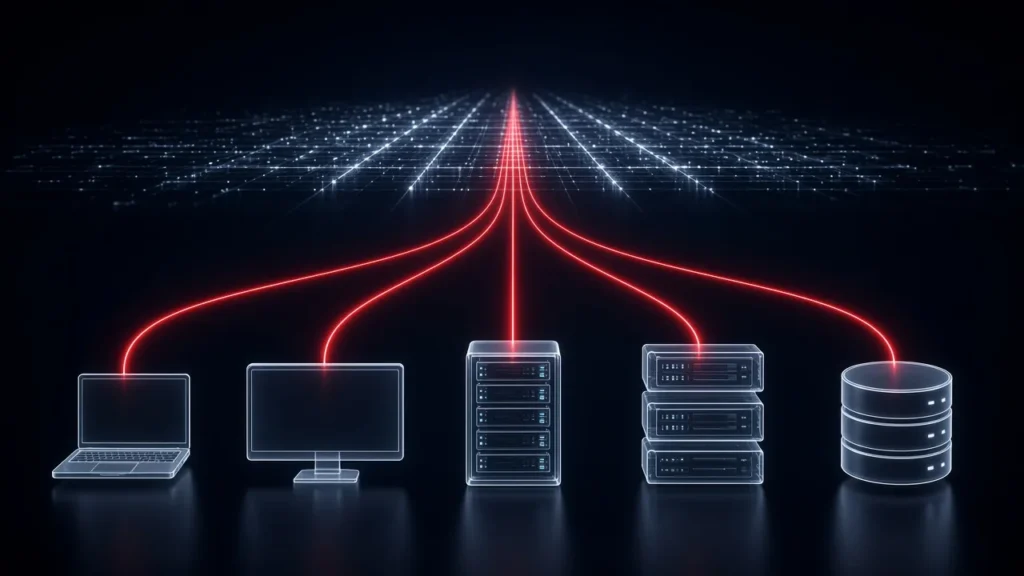
One managed service for the systems your work depends on.
Desktops and laptops
Windows, Mac, and Linux desktops and laptops, on Gold and Platinum plans. A stolen laptop or a dead drive doesn’t have to take someone’s work with it. Windows and Linux computers can be backed up whole, file by file, or both. Many offices back up just the files people work on and skip the operating system to save storage space and internet bandwidth. Macs are backed up at the file and folder level.
Servers
Windows and Linux servers, including the file shares your staff rely on. Managed server backups are part of Silver, Gold, and Platinum plans.
Virtual machines
Virtual servers on Proxmox, Hyper-V, and VMware, backed up whole, so a virtual machine can come back the way it was.
Cloud email and files
We back up Microsoft 365 mail, calendars, contacts, OneDrive, SharePoint and Teams files. Your copies are encrypted, locked against changes or deletion, and kept in separate backup storage, so a deleted folder doesn’t have to mean lost work. These backups are billed as part of your plan’s workstation and storage pricing.
Databases and domain controllers
SQL Server and MySQL databases, and Active Directory domain controllers, get database-aware backups that understand how they work, so they can come back in a usable state instead of as half-written files.
Network storage
Network storage devices are backed up just like a server, so the shared drive down the hall is covered too.
How your backups are protected
Encrypted before they leave
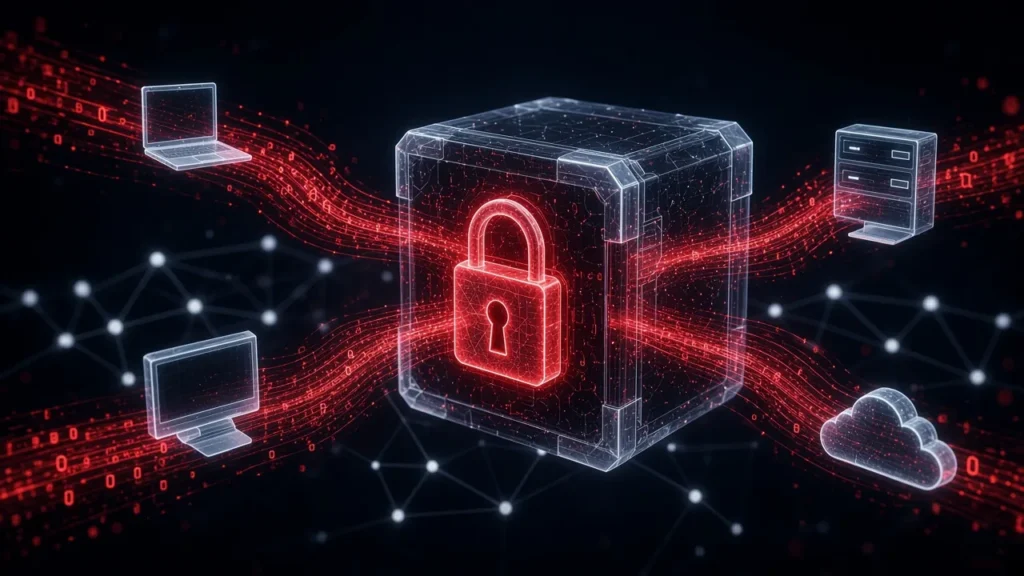
Data from your computers and servers is encrypted before it leaves. Each client has separate keys, and the storage provider can’t read those backups.
Locked against tampering
Off-site copies of your computers and servers go to immutable storage, locked for a set retention period, so ransomware and attackers can’t simply change or delete them during that window.
Away from your building
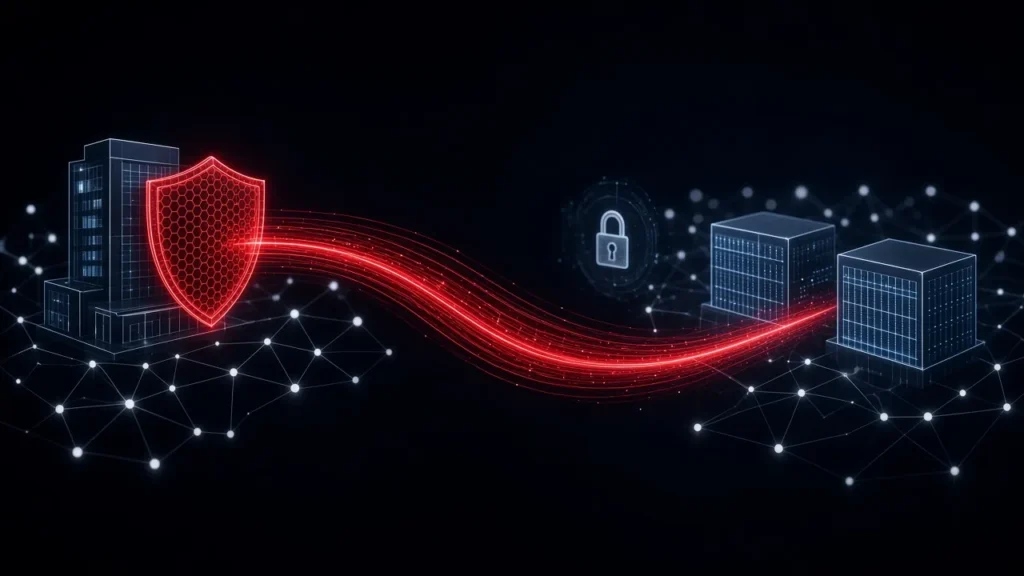
Off-site copies are kept in data centers, so a fire, flood, or break-in at the office doesn’t take your backups with it.
Local and off-site copies
Off-site copies in data centers are part of the service, and you can add a backup device at your location so a copy is close at hand. The questions below explain how the two work together.
Getting your data back

Just what you need
One file, one folder, one mailbox, or a whole server. Get back the spreadsheet someone deleted last week without rebuilding anything.
When a whole machine fails
A failed Windows or Linux server, or a computer with a whole-machine backup, can be rebuilt from its backup onto new hardware, or brought up as a virtual machine, even on a different virtualization platform. That can keep work moving while replacement hardware is on order. Macs are restored at the file and folder level.
Tested restores
We test restores, so you’re not finding out on the bad day.
Who to call
Ask for a restore through our help desk, Monday to Friday, 9 AM to 5 PM ET. Your account rep leads larger recoveries and keeps you posted along the way. Restores follow your plan’s response targets. Response times are targets, not guarantees. See Plans.
Watched, not just scheduled
We keep an eye on your backups, so problems are more likely to be caught before the day you need a restore.
Backup is a separate service from security monitoring. For threat detection on your computers and servers, see managed endpoint detection and response on Cybersecurity.
A plan for the bad day
Disaster recovery planning is part of Gold and Platinum. Your account rep works with you on what comes back first and in what order, so the bad day has a plan behind it. Need a written recovery plan? On Gold and Platinum, we’ll prepare one with you.
For public safety agencies and regulated organizations
Agencies and practices often work under strict security policies. For your computers and servers, encryption before upload, separate keys for each client, and locked off-site copies help support the backup and recovery parts of your agency’s or practice’s security policy, whether it’s CJIS-related or a HIPAA program. Your account rep can walk your team through how your backups are handled. See Public Safety and Local Government.
Which plans include this
Bronze
No managed backup.
Break/fix help when something goes wrong.
Silver
Your servers, backed up.
Managed backups for:
- Windows and Linux servers
- Virtual machines
- Databases and domain controllers
- Network storage (NAS) and other devices priced like a server
Gold & Platinum
Servers and workstations.
Everything in Silver, plus:
- Windows, Mac, and Linux desktops and laptops
- Microsoft 365 backups
- Disaster recovery planning
Platinum adds response 24 hours a day, 365 days a year for Priority 1 incidents.
Microsoft 365 backups are billed as part of your plan’s workstation and storage pricing. See the pricing calculator.
Silver aims to respond within two business days, and Gold and Platinum within one business day, with faster targets for Platinum Priority 1 incidents. Response times are targets, not guarantees. Our help desk is open Monday to Friday, 9 AM to 5 PM ET. See Plans.
Common questions
Can ransomware reach our backups?
Off-site copies of your computers and servers, and your Microsoft 365 backups, go to immutable storage, locked for a set retention period, so ransomware and attackers can’t simply change or delete them during that window.
Can you bring back just one file?
Yes. We can restore a single file or folder, or a whole server, depending on what you need.
Do you back up laptops and Macs?
Yes, on Gold and Platinum plans. We back up Windows, Mac, and Linux desktops and laptops. Macs are backed up at the file and folder level.
Who can read our backups?
Data from your computers and servers is encrypted before it leaves, with separate keys for each client, and the storage provider can’t read it.
Where are our backups kept?
Off-site copies of your computers and servers are kept in data centers, away from your building and your network. Cloud email and file backups are encrypted, locked, and kept in separate backup storage in data centers.
What’s the best way to protect our data?
Keep copies in two places. A local copy sits close at hand for everyday restores, and an off-site copy in data centers is there if something happens to your building or your network. Off-site copies are part of the service, and you can add a local copy alongside them.
Do we need a backup device on site?
It’s optional, but we recommend one. A local copy needs a backup device at your location with enough storage for your full set of backups. It’s an added cost, set up in your contract when service starts. You buy the hardware, and we custom-build and set it up, with the operating system included in your licensing.
Will backups slow down our internet?
They can. Off-site copies travel over your internet connection, so it needs enough capacity to send them. The first full backup and large amounts of data take the most. If you’re not sure your connection can keep up, ask us before setup.
What if our building is unusable?
Your off-site copies are kept in data centers, away from your building. Your account rep works with you on what to bring back first.
Do we need a written recovery plan?
Many organizations want one. Need a written recovery plan? On Gold and Platinum, we’ll prepare one with you.
Why Neatoware: Your account rep knows what we back up for you, reviews it with you, and leads the restore if you ever need one.
See what it would cost with our pricing calculator.
Know you can get back up
Tell us what your organization can’t afford to lose. A real person will get back to you.